

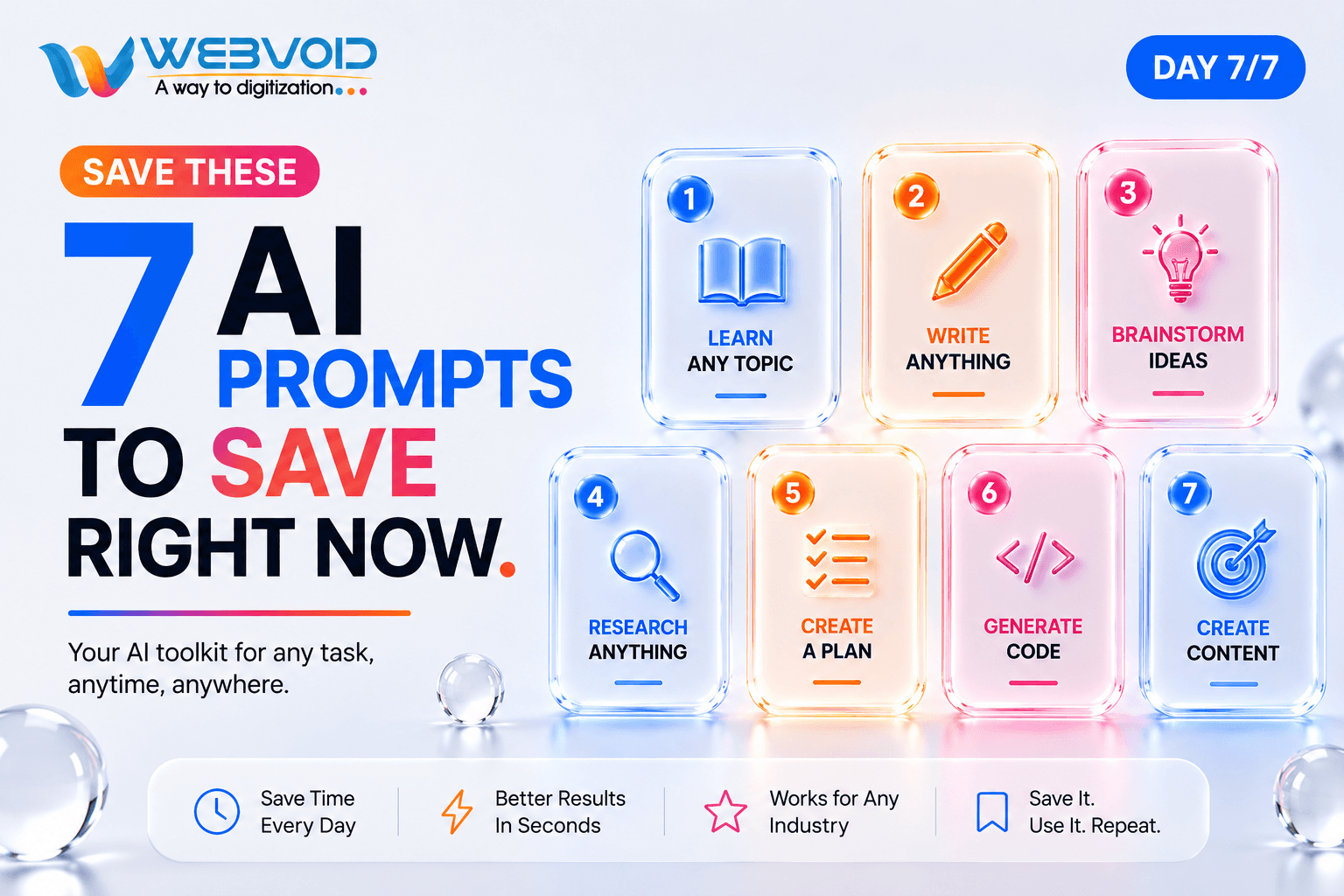
The only AI prompt templates you'll need for work, study, content creation, coding, and daily productivity.
Body
7 AI Prompts to Save Right Now (You'll Use Them Every Day)
If you're opening ChatGPT and typing a brand-new prompt every time, you're wasting time.
The best AI users don't start from scratch. They keep a small collection of prompt templates and reuse them whenever they need help.
These seven prompts work for students, developers, founders, marketers, content creators, and anyone who uses AI daily.
Let's build your AI toolkit.
Prompt 1 — Learn Any Topic Faster
Instead of asking:
"Explain React."
Use this prompt:
Act as an experienced teacher. Explain [TOPIC] to me as a complete beginner using simple language, real-world examples, analogies, and end with a short quiz.
Real-world example
Want to learn APIs? AI explains them like ordering food from Swiggy or Zomato, making technical concepts much easier to understand.
Best for
- Students
- Beginners
- Interview preparation
Prompt 2 — Rewrite Anything Better
Instead of:
"Make this better."
Use:
Rewrite the following text to sound professional, concise, and confident. Keep the original meaning and limit it to 100 words.
Real-world example
Turn a rough internship update into a LinkedIn-ready post or improve an email before sending it to a client.
Best for
- LinkedIn posts
- Emails
- Resume content
- Blog writing
Prompt 3 — Brainstorm Better Ideas
Use this prompt whenever you're stuck.
Act as a creative strategist. Give me 10 ideas for [GOAL]. Include the idea, target audience, and why it could work.
Real-world example
Need Instagram content for an AI startup? AI generates reels, carousel ideas, blog topics, YouTube videos, and product launch concepts.
Best for
- Marketing
- Social media
- Startup ideas
- Content creators
Prompt 4 — Research Like an Expert
Use:
Help me understand [TOPIC]. Explain the basics, important concepts, latest trends, common mistakes, and practical applications.
Real-world example
Research Prompt Engineering, MCP Servers, FastAPI, or Zoho APIs without reading dozens of websites.
Best for
- Learning new technologies
- Business research
- Project planning
Prompt 5 — Create a Step-by-Step Plan
Use:
Create a detailed step-by-step roadmap for achieving [GOAL]. Include beginner steps, tools, timeline, and milestones.
Real-world example
Build a React + FastAPI SaaS application in 30 days with daily tasks and milestones.
Best for
- Career planning
- Startup building
- Personal goals
Prompt 6 — Generate Code with Context
Use:
Act as a senior software engineer. Build [FEATURE] using [TECH STACK]. Explain the folder structure, API flow, database design, and production best practices.
Real-world example
Generate an authentication system in React and FastAPI instead of only asking for "login code."
Best for
- Developers
- Students
- Full-stack projects
Prompt 7 — Turn One Idea into Multiple Content Pieces
Use:
Act as a content strategist. Turn this topic into a blog, LinkedIn post, Instagram carousel, Twitter thread, YouTube script, and SEO title.
Real-world example
One blog about Prompt Engineering becomes content for every social media platform in minutes.
Best for
- Personal branding
- Marketing teams
- Founders
- Agencies
Why These Templates Save Time
Instead of thinking about how to ask AI every time, you simply replace the placeholders like [TOPIC], [GOAL], or [TECH STACK].
That means:
- Better answers.
- Less rewriting.
- Faster workflows.
- Consistent results every day.
These prompts become your reusable AI toolkit.
Final Thoughts
AI becomes dramatically more useful when you stop treating prompts like one-time messages and start treating them like reusable templates.
Save these seven prompts somewhere you'll actually use them. They'll help you learn faster, write better, research smarter, build projects, and create content without starting from a blank page every time.