

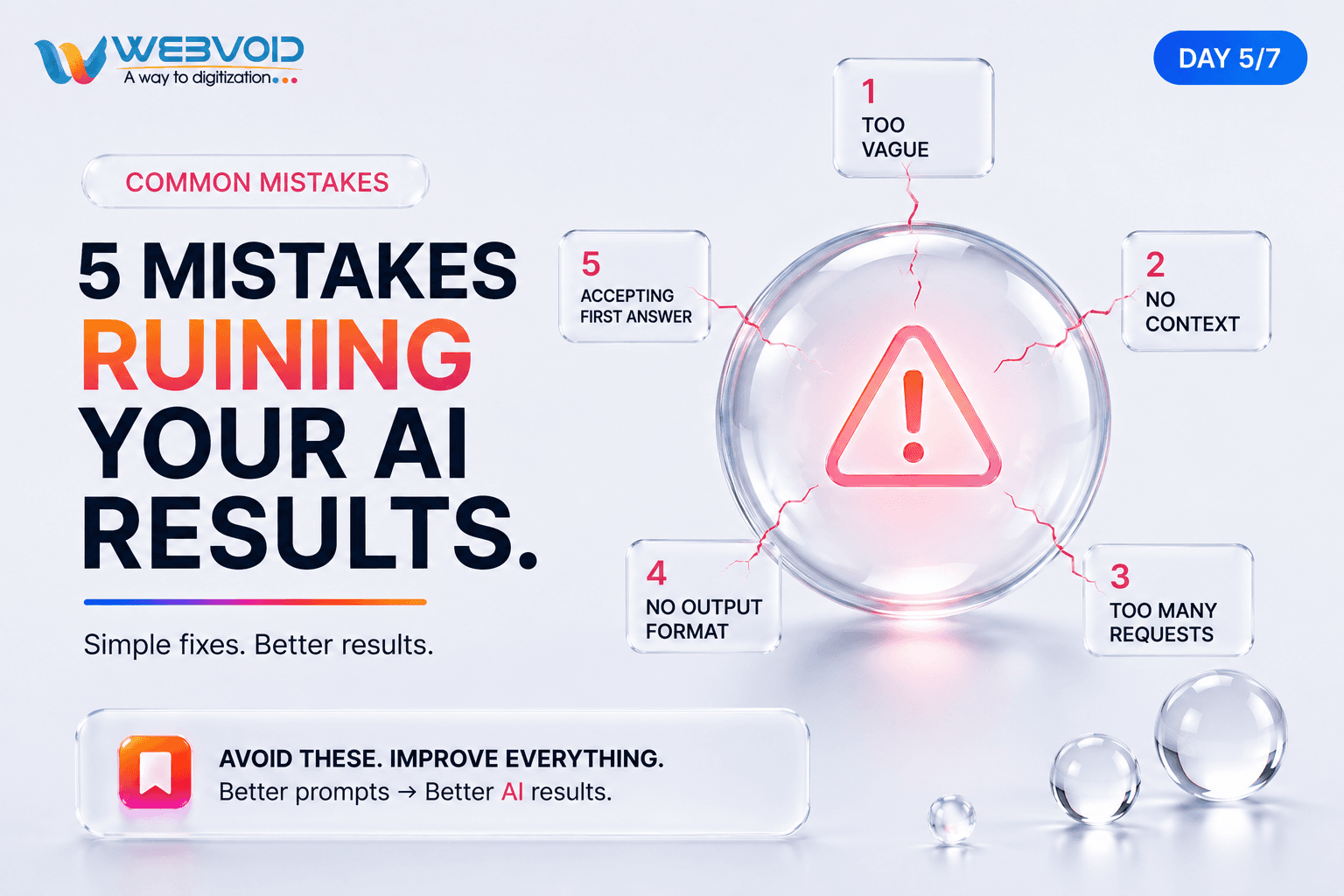
5 Prompt Mistakes That Are Ruining Your AI Results (And How to Fix Them)
Most people think AI gives random answers.
The truth is simpler: AI usually responds to the quality of your prompt.
Whether you're using ChatGPT, Claude, Gemini, or another AI assistant, avoiding a few common mistakes can dramatically improve the answers you receive.
Here are the five biggest prompt mistakes beginners make—and how to fix each one.
Mistake 1: Being Too Vague
This is the most common mistake.
Bad Prompt
Make this better.
AI doesn't know what "better" means.
Better Prompt
Rewrite this paragraph to sound professional, concise, and confident. Keep the original meaning under 100 words.
Real-World Example
Imagine sending a designer a message saying "Improve this logo."
They'll ask questions.
AI needs the same level of direction.
Fix: Tell AI exactly what "better" means—tone, length, audience, or style.
Mistake 2: Giving No Context
AI performs much better when it understands your situation.
Bad Prompt
Write an email.
Better Prompt
Write a professional email to a client explaining a two-day project delay while maintaining trust.
Real-World Example
A student, marketer, and founder all need different emails.
Context changes the answer.
Fix: Include who it's for, why you're writing it, and any important background.
Mistake 3: Asking Too Many Things at Once
Many users combine five requests into one prompt.
Bad Prompt
Explain React, create interview questions, write code, compare Vue, and give resources.
The result is usually shallow.
Better Prompt
Break it into smaller prompts:
- Explain React.
- Generate interview questions.
- Write example code.
Fix: One clear objective per prompt whenever possible.
Mistake 4: Not Specifying the Output Format
AI can return paragraphs, bullets, tables, JSON, or code—but only if you ask.
Bad Prompt
Give me a marketing strategy.
Better Prompt
Give me a marketing strategy in a table with Goal, Channel, Budget, and Timeline.
Real-World Example
Need content for Notion? Ask for Markdown.
Need data for an API? Ask for JSON.
Need a presentation? Ask for slide format.
Fix: Always define how you want the answer delivered.
Mistake 5: Accepting the First Answer
The first response is often just a starting point.
Better Workflow
Prompt → Review → Refine → Better Result
Real-World Example
Instead of accepting a LinkedIn post immediately:
- Make it shorter.
- Make it more technical.
- Add a stronger hook.
- End with a discussion question.
- Each refinement improves the quality.
Fix: Treat AI like a collaborator, not a one-time answer generator.
Quick Checklist Before You Send Any Prompt
Ask yourself:
- Is my prompt specific?
- Did I give enough context?
- Am I asking for one main task?
- Did I specify the output format?
- Will I refine the response if needed?
If you answer "yes" to these five questions, you'll usually get much better AI results.
Final Takeaway
Great AI results don't come from better AI—they come from better prompts.
Small improvements in how you write prompts can save time, reduce editing, and produce responses that are far closer to what you actually need.
Start fixing these five mistakes today, and you'll notice the difference immediately.